I just opened the box
Start with the basic app, hub and smart-device setup guide.

EyZEE® Support
If you have just opened the box, are pairing a device, need an electrician or want the technical details, you are in the right place.
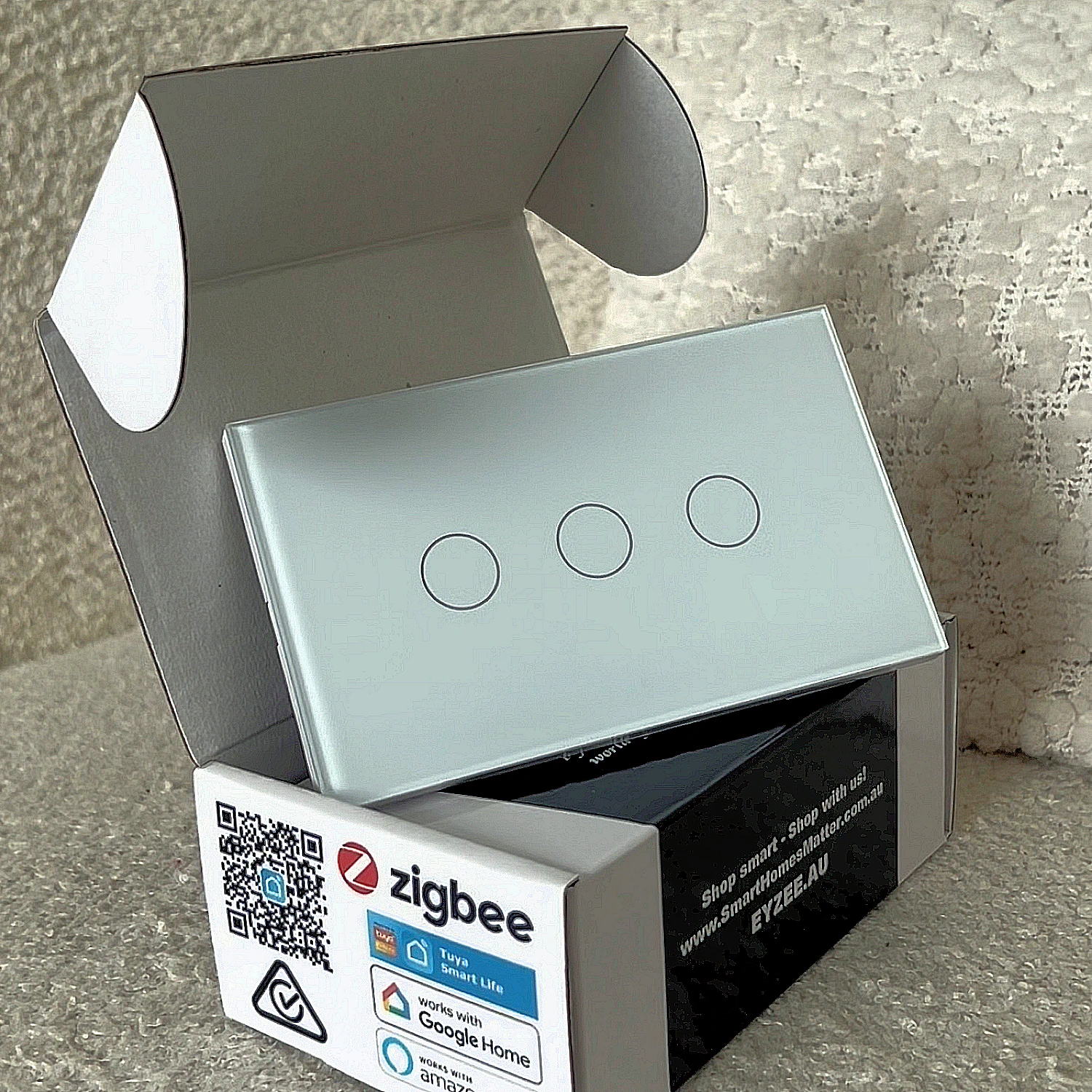
The Fastest Way Forward
Choose the closest match and we will get you to the right guide.
Start with the basic app, hub and smart-device setup guide.
Reset the device and put it back into pairing mode.
Find an electrician familiar with smart-home products.
Browse setup tutorials, demonstrations and smart-home tips.
Useful PDF Guides
Getting Started
Setup app and install smart devices →
Reset a device for pairing mode →
Home Setup
Device Guides
Electrician Guides
Mains-powered products must be installed by a licensed electrician.
Training & Wiring
Electrical Contractor free training →
Fan + Light AC fan capacitor wiring →
Fan + Light DC smart-fan wiring →
Two-Way Switching
Electrician guide to two-way wireless switching →
Two-way switch demonstration →
How-To Videos
Short demonstrations for hubs, switches, lighting, scenes, voice control and Decouplar®.
Connect a wired hub to the router →
Pair, set up and control EyZEE® switches →
Connect a Zigbee smart downlight →
Enable an automation at sunset →
Scene switch setup and function →
Smart Life app home-page update →
Manuals & Other Information
Instruction Manuals
Other Information
Product Data Sheets
AU/NZ Electrical Compliance
The Electrical Equipment Safety System (EESS) maintains the public registration database for Responsible Suppliers and electrical equipment.
Certification Downloads
Lighting & Switches
Smart light certification PDF →
GPO
Still Need Help?
If you cannot find the answer here, contact EyZEE® and we will point you in the right direction.